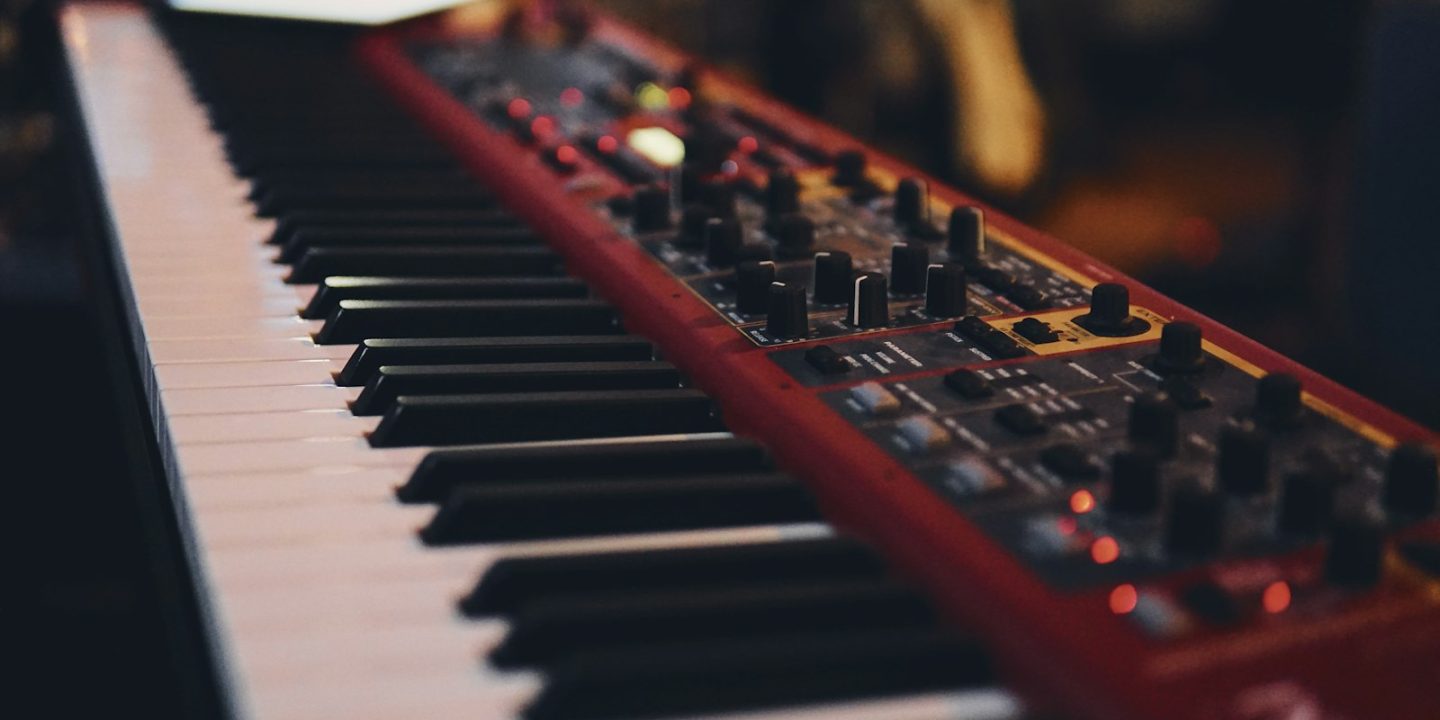
A MIDI keyboard doesn’t make any sound by itself. It’s a remote control for the virtual instruments, synths and drum machines in your music software. That makes it one of the most personal purchases in a home studio, because the right one depends on how you play. A beatmaker who taps pads needs something very different from a pianist recording two-handed parts.
The market splits into three groups. There are compact 25–37-key controllers that fit on a laptop desk, full-size 49–88-key keyboards for proper playing, and hybrid controllers with sequencers for hardware rigs. Prices have stayed sensible in 2026, and several excellent options cost under €100 in Europe. Here are our picks.
Our picks at a glance
- Best mini controllerAkai MPK Mini IV
- Best value bundleArturia MiniLab 3
- Best for DAW controlNovation Launchkey Mini 37 MK4
- Best full-sizeArturia KeyLab Essential mk3
- Best keybedNative Instruments Komplete Kontrol A49
- Best budget full-sizeM-Audio Keystation 49 MK3
- Best for hardware setupsArturia KeyStep Pro
Prices are approximate and change often. Ad
1. Akai MPK Mini IV — best mini controller
The MPK Mini has been the default beatmaker’s controller for years, and the fourth generation keeps the formula: 25 mini keys, eight responsive pads and a compact body that fits in a backpack. The upgrade that matters is the connectivity. USB-C replaces older plugs, and a 5-pin MIDI output lets you play a hardware synth without a computer.
It’s ideal for producers who programme drums, sketch melodies and play basslines. The limitation is the same as on every mini controller. Twenty-five small keys aren’t enough for two-handed piano parts. At around €99 it’s still the easiest recommendation in this guide.
Akai MPK Mini IV
The classic backpack controller: 25 mini keys, eight responsive pads and now USB-C plus a 5-pin MIDI out.
- Keys
- 25 mini
- Pads
- 8
- Connection
- USB-C, 5-pin MIDI out
Pros
- Very portable
- Responsive pads for beats
- MIDI out for hardware synths
Cons
- Mini keys limit two-handed playing
2. Arturia MiniLab 3 — best value bundle
The MiniLab 3 costs the same as the Akai, around €98–€99, and wins on layout. Alongside the 25 slim keys and eight pads you get four faders, which make mixing and controlling synth envelopes much more hands-on. Arturia’s software bundle is generous, so a beginner can start making music without buying extra instruments.
The keys are slim rather than full-width, so pianists will find them cramped. Choose the MiniLab if you want more knobs and faders. Choose the Akai if pads and MIDI-out matter more to you.
Arturia MiniLab 3
A tidy compact controller with pads, faders and a generous software bundle.
- Keys
- 25 slim
- Pads
- 8
- Faders
- 4
- Connection
- USB-C, 5-pin MIDI
Pros
- Well-thought-out control layout
- Good software bundle
- Faders as well as knobs
Cons
- Slim keys
3. Novation Launchkey Mini 37 MK4 — best for DAW control
Novation’s Launchkeys are built around deep integration with music software. The MK4 adds scale and chord modes that help non-pianists play in key: hold one note and get a full chord, or lock the keyboard to a scale so every note fits. The 37-key version gives you three octaves while staying compact, for around €144.
The keys are mini-sized, so this is still a producer’s tool rather than a pianist’s. Novation also sells the Launchkey 25 MK4 for around €169.
Novation Launchkey Mini 37 MK4
Deep DAW integration plus scale and chord tools that help non-pianists play in key.
- Keys
- 37 mini
- Highlights
- Scale and chord modes
- Integration
- Deep DAW integration
Pros
- Excellent DAW integration
- Scale and chord tools
- 37 keys in a compact body
Cons
- Mini keys
4. Arturia KeyLab Essential mk3 — best full-size controller
When you’re ready for full-size keys, the KeyLab Essential mk3 is the sensible next step. It comes in three sizes at fair prices: about €199 for 49 keys, €237 for 61 and €349 for 88. That makes it easy to buy as much keyboard as your desk allows. You get proper-sized keys for real playing, with Arturia’s familiar controls and software bundle.
The obvious downside is size: even the 49-key model needs a dedicated spot on the desk. If you play two-handed parts, though, it’s worth the space.
Arturia KeyLab Essential mk3
Full-size keys at a fair price, in 49-, 61- and 88-key versions.
- Sizes
- 49 / 61 / 88 keys
- Price 49
- ≈ €199
- Price 61
- ≈ €237
- Price 88
- ≈ €349
Pros
- Full-size keys
- Three sizes
- Fair pricing
Cons
- Bigger footprint than mini controllers
5. Native Instruments Komplete Kontrol A49 — best keybed
Native Instruments’ A49 is the one to pick if key feel matters most. Reviewers praise its semi-weighted, full-size keybed and solid build. Eight touch-sensitive knobs and pre-mapped DAW integration mean you spend less time setting things up and more time playing.
The A-series has no aftertouch. That’s the extra expression you get from pressing down on a held key, so it matters if you play expressive synth leads. EU pricing varies by retailer, so check current offers.
Native Instruments Komplete Kontrol A49
A quality 49-key semi-weighted keybed with touch-sensitive knobs and pre-mapped DAW integration.
- Keys
- 49 full-size, semi-weighted
- Knobs
- 8 touch-sensitive
- Integration
- Pre-mapped DAW control
Pros
- Keybed and build quality
- Software bundle
- Pre-mapped DAW integration
Cons
- No aftertouch
6. M-Audio Keystation 49 MK3 — best budget full-size
Sometimes you just want keys. The Keystation 49 MK3 offers 49 full-size, synth-action keys with only a handful of controls. It’s durable, affordable and easy to set up, which makes it a good choice for students, songwriters and anyone who plays notes in and mixes with the mouse.
There are few knobs, no pads and no aftertouch. If you want hands-on control as well as full-size keys, spend more on the KeyLab Essential.
M-Audio Keystation 49 MK3
No-frills full-size keys for people who mainly want to play notes in.
- Keys
- 49 full-size, synth-action
Pros
- Simple and durable
- Affordable
Cons
- Few controls
- No aftertouch
7. Arturia KeyStep Pro — best for hardware setups
The KeyStep Pro isn’t a typical controller. It’s the brain of a hardware synth setup. Its four-track sequencer and arpeggiator can drive several synths and drum machines at once, and CV/gate outputs talk to modular and vintage analogue gear as well as MIDI devices. For DAWless jamming it’s a superb hub.
The 37 slim keys feel small if you have large hands, and the depth of the sequencer has a learning curve. If you only work in software, a simpler controller is better value.
Arturia KeyStep Pro
A controller-sequencer hybrid for hardware synth setups, with four sequencer tracks and CV/gate.
- Keys
- 37 slim
- Sequencer
- 4 tracks
- Connectivity
- CV/gate, MIDI
Pros
- Strong sequencer and arpeggiator
- Lots of connections incl. CV/gate
Cons
- Slim keys feel small for big hands
How to choose a MIDI keyboard
How many keys?
25 keys cover two octaves, which is enough for basslines, melodies and drum programming. 37 keys give you a chord in one hand and a melody in the other. 49 or 61 keys suit two-handed playing, and 88 keys match a real piano. If you’re a trained pianist, consider a digital piano with USB MIDI instead. You’ll get a better weighted action and built-in speakers.
Mini, slim or full-size keys?
Mini and slim keys save space but make technical playing harder. Full-size keys feel more natural, especially if you learned on a real piano. Semi-weighted keys, like those on the Komplete Kontrol A49, sit between synth-style springiness and piano weight.
Pads, knobs and faders
Pads are essential for finger-drumming. Knobs and faders make mixing and sound design faster. Count the controls you’ll realistically use. Many people never touch half the knobs on a large controller.
Software integration
Controllers with pre-mapped DAW integration, like Novation’s Launchkeys and NI’s Komplete Kontrol range, save setup time. Check that your DAW is supported before buying.
Connectivity and buying in Europe
All of our picks connect over USB. 5-pin MIDI and CV/gate only matter if you own hardware synths. When buying in Europe, specialist retailers often stock all sizes of each controller and offer return windows beyond the two-year EU legal guarantee, so check each shop’s terms.
Pair your keyboard with a good audio interface and studio monitors, or read our home studio starter kit guide.
Which MIDI keyboard should you buy?
- You make beats and want something portable: the Akai MPK Mini IV. Its pads are the best for finger-drumming here, and MIDI-out lets it control a hardware synth too.
- You want the most hands-on control under €100: the Arturia MiniLab 3. Its faders make mixing and sound design faster.
- You struggle with music theory: the Novation Launchkey Mini 37 MK4. Its scale and chord modes keep you in key while you learn.
- You play (or want to learn) proper two-handed parts: the Arturia KeyLab Essential mk3 in its 49- or 61-key version. The 88-key model at around €349 is a cheaper alternative to a digital piano if you don’t need weighted keys or speakers.
- Key feel matters more than anything: the Native Instruments Komplete Kontrol A49.
- You only need keys: the M-Audio Keystation 49 MK3.
- You build DAWless hardware jams: the Arturia KeyStep Pro.
Common mistakes to avoid
The most common mistake is buying too many keys for your desk. A 61-key controller that forces your monitors into the corners will hurt your mixes more than it helps your playing. Measure your desk first, and remember to leave room for a laptop and a mouse.
The second mistake is paying for features you’ll never use. Big controllers with dozens of knobs look impressive, but most people end up using a handful of mapped controls. If you work mostly with a mouse, a simpler keyboard and a better audio interface is money better spent.
Finally, check the bundled software. Many controllers come with lite versions of music software and virtual instruments. For a beginner, that bundle can be worth as much as the hardware.
How we choose
Our picks draw on expert reviews and buying guides from specialist outlets such as MusicianWave, combined with current EU prices from European music retailers. We don’t do our own hands-on testing, so we lean on consensus and always list the drawbacks. Learn more about how we research.
FAQ
Do MIDI keyboards make sound on their own?
No. A MIDI controller sends note and control data to software or hardware instruments. You need a computer with a DAW or virtual instruments, or a hardware synth, to hear anything.
Is a mini keyboard enough for a beginner?
For producing beats and electronic music, yes. A 25-key controller like the Akai MPK Mini IV or Arturia MiniLab 3 is a great start. If you want to learn piano, go for full-size keys.
What is aftertouch and do I need it?
Aftertouch lets you add vibrato or filter movement by pressing harder on a held key. It’s great for expressive synth leads but not essential for most beginners.
Can I use a MIDI keyboard with an iPad?
Usually yes, as most modern USB controllers are class-compliant. You may need a USB-C adapter and enough power, so check the manufacturer’s notes.