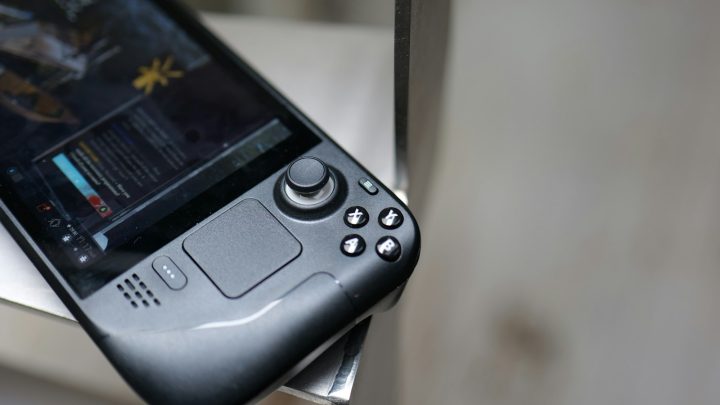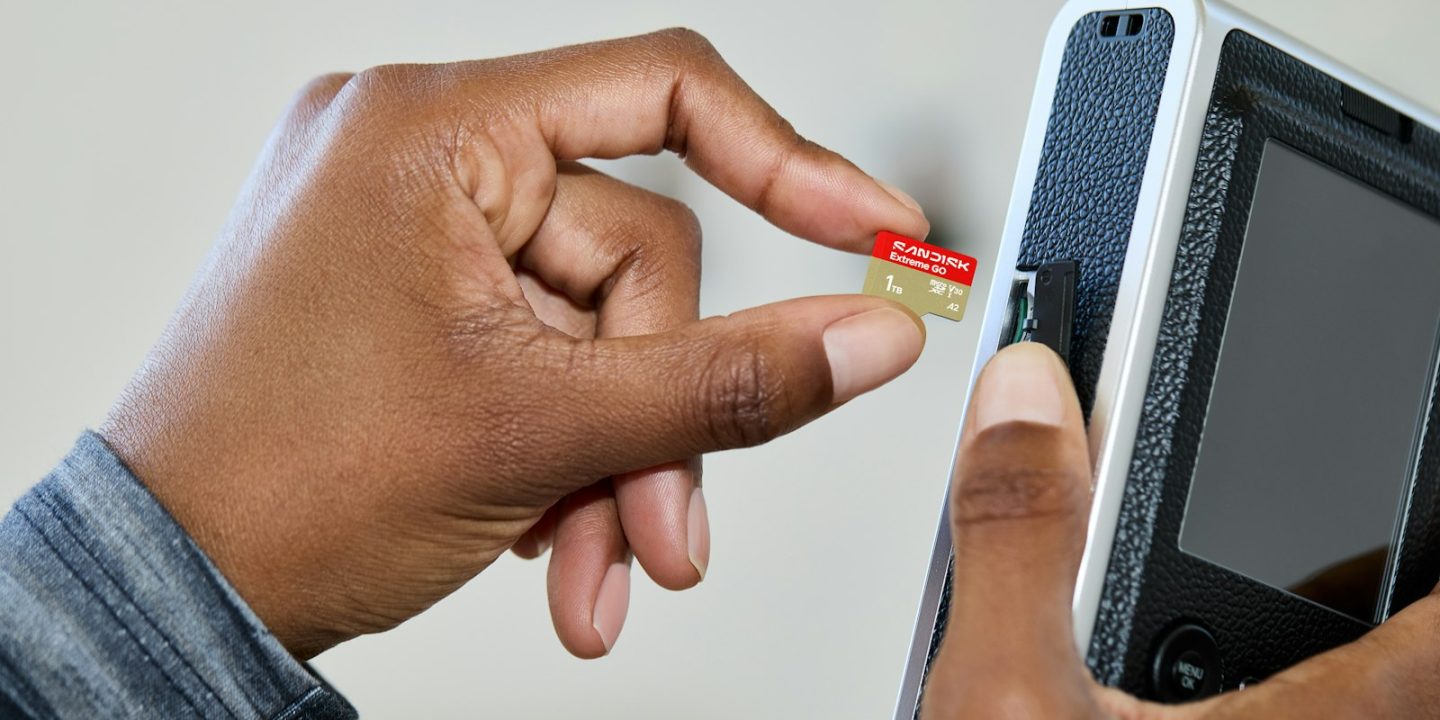
The Nintendo Switch 2 has 256 GB of built-in storage, and with big games regularly taking 20–60 GB, it fills up faster than you’d think. The catch: the Switch 2 only accepts microSD Express cards for games. Ordinary microSD cards — including the ones from your original Switch — can’t store or run Switch 2 games; they only work for screenshots and videos.
The good news is that microSD Express cards have become cheaper and easier to find through 2026. Tom’s Hardware has benchmarked 13 cards in a Switch 2, and its main finding is reassuring: the differences in real games are tiny. So the right card is mostly about capacity, price and warranty. Below are the cards we’d consider in Europe, with euro prices where we could confirm them.
Our picks at a glance
- Best valueSamsung P9 Express microSD
- Best for 1 TBLexar Play Pro microSD Express
- Best known brandSanDisk microSDXC Express
- Fastest 512 GBAdata Premier Extreme microSD Express
- Cheapest 1 TBPNY microSDXC Express
Prices are approximate and change often. Ad
1. Samsung P9 Express — best value
Samsung’s P9 Express is the easiest card to recommend to most people. Tom’s Hardware names the 256 GB version its best budget 256 GB card, measuring around 112 MB/s when copying from the card in a Switch 2. It’s widely available in Europe, and the 512 GB model has been on sale for around €80 on Amazon.de — about €20 less than many rivals.
Its three-year warranty is shorter than the lifetime cover some competitors offer, and its write speed is slightly lower than the fastest cards, but you won’t notice that while playing.
Samsung P9 Express microSD
A widely available microSD Express card that Tom's Hardware rates as the best-value 256 GB option for Switch 2.
- Type
- microSD Express (EX logo)
- Capacities
- 256 / 512 GB
- Measured read
- ~112 MB/s (Tom's Hardware, Switch 2 transfer)
- Warranty
- 3 years
Pros
- Good value, often discounted
- Easy to find in Europe
- Performs like pricier cards in the Switch 2
Cons
- Shorter warranty than some rivals
- Write speed a little lower than the fastest cards
2. Lexar Play Pro — best for 1 TB
Lexar’s Play Pro is Tom’s Hardware’s 1 TB alternative pick, with consistently strong performance and a lifetime warranty. In Germany the 256 GB card listed at €64.99 and the 512 GB at €119.99 in May 2026, with deals bringing them down to about €51 and €93. If you buy mostly digital games and want the most space, the 1 TB version is the one to look at.
Lexar Play Pro microSD Express
Tom's Hardware's alternative pick at 1 TB: consistent performance, lifetime warranty and wide availability.
- Type
- microSD Express (EX logo)
- Capacities
- 256 GB / 512 GB / 1 TB
- Measured read (1 TB)
- ~110 MB/s
- Warranty
- Lifetime
Pros
- Strong, consistent performance
- Lifetime warranty
- Available up to 1 TB
Cons
- Premium price outside deals
3. SanDisk microSDXC Express — best-known brand
SanDisk’s cards are among the fastest Tom’s Hardware measured — around 111–112 MB/s reading from the card — and come with a lifetime warranty. They cost a little more than Samsung or PNY, but you’ll find them in almost every electronics shop, which helps if you need a card the same day.
SanDisk microSDXC Express
SanDisk's microSD Express cards are among the fastest Tom's Hardware measured, with a lifetime warranty — at a slightly higher price.
- Type
- microSD Express (EX logo)
- Capacities
- 256 / 512 GB
- Measured read
- ~111–112 MB/s
- Warranty
- Lifetime
Pros
- Fast and reliable
- Lifetime warranty
- Sold almost everywhere
Cons
- Costs a little more than Samsung or PNY
4. Adata Premier Extreme — fastest 512 GB
Adata’s Premier Extreme is Tom’s Hardware’s top pick at both 256 GB and 512 GB. The 512 GB card recorded the fastest write speed of its size (about 96 MB/s), which shortens game installs slightly. It has a lifetime warranty, but it’s harder to find in European shops and can be pricey, so compare offers.
Adata Premier Extreme microSD Express
Tom's Hardware's best 512 GB and best 256 GB pick, with the fastest 512 GB write speeds in its tests.
- Type
- microSD Express (EX logo)
- Capacities
- 256 / 512 GB
- Measured read / write (512 GB)
- ~108 / 96 MB/s
- Warranty
- Lifetime
Pros
- Fastest 512 GB card in Tom's Hardware's tests
- Lifetime warranty
Cons
- Expensive at 512 GB
- Patchier availability in European shops
5. PNY microSDXC Express — cheapest 1 TB
PNY’s card offers respectable performance at a lower price. Tom’s Hardware calls the 512 GB model its best budget 512 GB card, and in Germany the 1 TB version dropped to €183.94 in May 2026 (regular price €209.99) — one of the cheaper ways to quadruple your Switch 2’s storage. Writes are a little slower than the best cards.
PNY microSDXC Express
A respectable, affordable microSD Express card — and one of the cheaper ways to get 1 TB for a Switch 2.
- Type
- microSD Express (EX logo)
- Capacities
- 512 GB / 1 TB
- Measured read / write (512 GB)
- ~114 / 80 MB/s
- Warranty
- Lifetime
Pros
- Affordable, especially at 1 TB
- Lifetime warranty
Cons
- Slightly slower writes than the best cards
Compare the key specs
| Model | Samsung P9 Express microSDBest value | Lexar Play Pro microSD ExpressBest for 1 TB | SanDisk microSDXC ExpressBest known brand | Adata Premier Extreme microSD ExpressFastest 512 GB | PNY microSDXC ExpressCheapest 1 TB |
|---|---|---|---|---|---|
| TechHive score | 8.6/10 | 8.7/10 | 8.5/10 | 8.4/10 | 8.0/10 |
| Approx. price | €80 | €65 | Varies | Varies | €184 |
| Type | microSD Express (EX logo) | microSD Express (EX logo) | microSD Express (EX logo) | microSD Express (EX logo) | microSD Express (EX logo) |
| Capacities | 256 / 512 GB | 256 GB / 512 GB / 1 TB | 256 / 512 GB | 256 / 512 GB | 512 GB / 1 TB |
| Measured read | ~112 MB/s (Tom's Hardware, Switch 2 transfer) | — | ~111–112 MB/s | — | — |
| Warranty | 3 years | Lifetime | Lifetime | Lifetime | Lifetime |
| Measured read (1 TB) | — | ~110 MB/s | — | — | — |
| Measured read / write (512 GB) | — | — | — | ~108 / 96 MB/s | ~114 / 80 MB/s |
| Shop Ad | Amazon | Amazon | Amazon | Amazon | Amazon |
How to choose a microSD Express card
Look for the “EX” logo
Only microSD Express cards work for Switch 2 games. Look for the “EX” logo on the card or packaging, and don’t confuse it with “Extreme”, which is a product name on many ordinary cards.
Pick a capacity
256 GB doubles the console’s storage and is the cheapest entry point. 512 GB suits players who buy most games digitally. 1 TB is for big digital libraries. Avoid 128 GB cards: Tom’s Hardware found them poor value, and Deku Deals advises against them too.
Speed differences are small
All of the cards above read at roughly 108–114 MB/s in Tom’s Hardware’s tests. In Diablo IV, load times on the fastest cards were only about 1% slower than internal storage, and about 3% on the slowest. Don’t pay a big premium for a few extra megabytes per second.
Warranty and fakes
Lifetime warranties (SanDisk, Lexar, Adata, PNY) are a nice bonus. Buy from reputable retailers — Amazon itself rather than unknown marketplace sellers — to avoid counterfeit cards with fake capacities.
Buying in Europe
Memory prices rose through 2026, so microSD Express deals come and go quickly. EU purchases carry a two-year legal guarantee as a minimum. For more Switch 2 advice, see our PS5 vs Switch 2 comparison and consoles and handhelds guide.
How we choose
We haven’t benchmarked these cards ourselves. Our picks are based on Tom’s Hardware’s Switch 2 benchmarks (updated October 2026) and Deku Deals’ testing, combined with European prices from PC Games Hardware and Notebookcheck. Read more about how we research.
FAQ
Can I use my old Switch microSD card in the Switch 2?
Only for screenshots and videos. Switch 2 games must be stored on internal storage or a microSD Express card.
Are microSD Express cards as fast as internal storage?
Not quite, but the difference in real games is very small — around 1–3% in load times in Tom’s Hardware’s tests.
What’s the biggest card the Switch 2 supports?
The Switch 2 supports cards up to 2 TB, but 1 TB is the largest microSD Express card currently on sale.
Which capacity is best value?
Usually 256 GB or 512 GB. Prices per gigabyte change with deals, so compare when you buy.